 gradatimo
Automatic capture
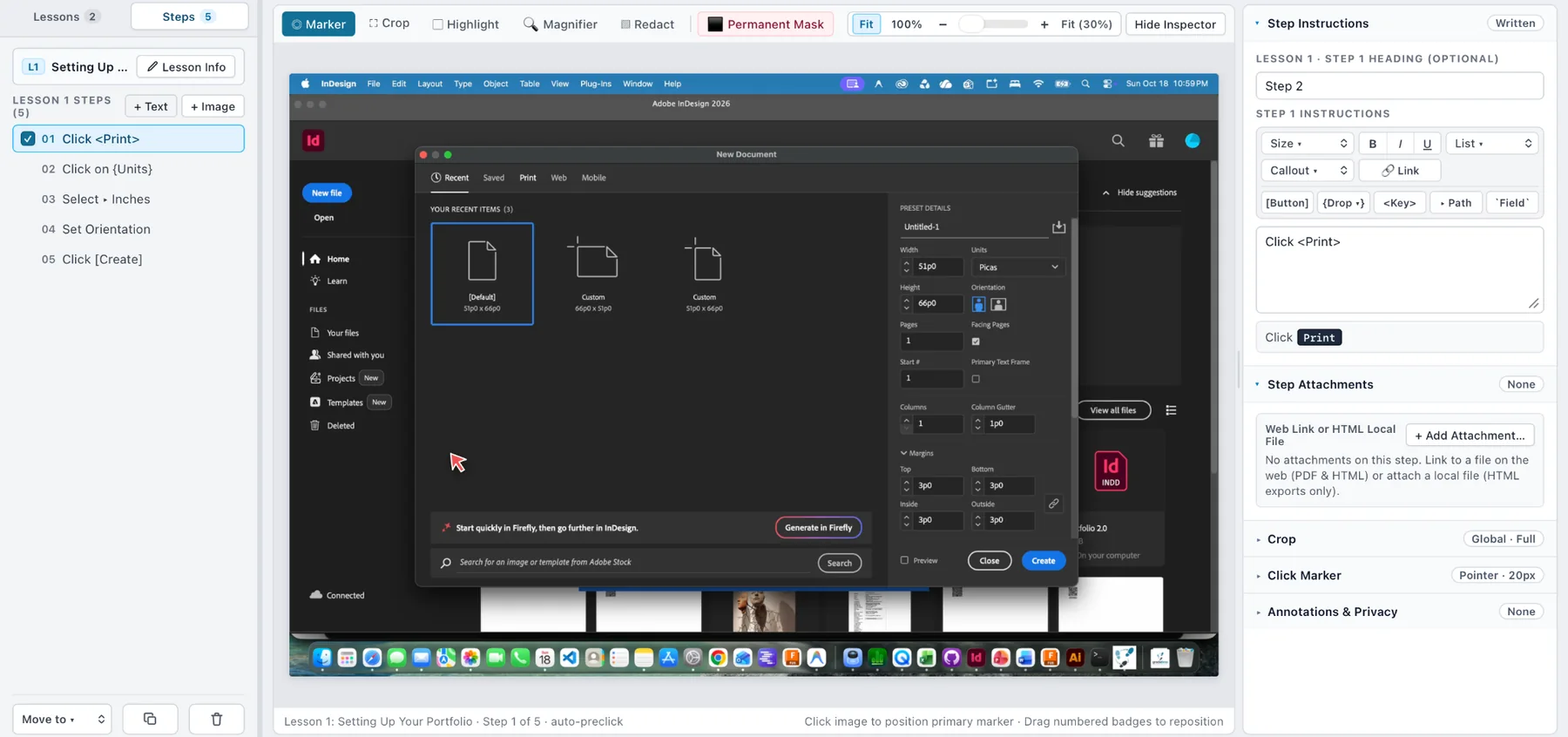
Gradatimo’s recording workflow is designed to capture the relevant screen state immediately before a click changes the interface. That makes menu items, dropdowns, and brief application states easier to document.
- Prepare the application and navigate to the start of the process.
- Start recording in Gradatimo.
- Perform the actions you want to document.
- Stop recording and review the resulting steps.
Manual snapshots
Use the Snapshot control for screens that do not naturally follow a click, for static configurations, or to fill gaps in an existing lesson.
Import images and photographs
A tutorial can include existing photographs, diagrams and illustrations. This makes the same workflow useful for studio practice, workshops and physical equipment procedures.
Recording permissions
Desktop operating systems may request screen-recording or accessibility permissions. Review prompts carefully and only grant permissions you are comfortable with. Exact prompts depend on operating system and release.